One Login, Every Organisation You're Accountable For: The NI/RI Control Tower
Plenty of Nominated and Responsible Individuals are accountable for more than one organisation. AssuraFlow gives you a single login across all of them — and it costs the NI/RI nothing.
Two different 'multi' models, and why the difference matters
Multi-site within one organisation is the familiar case: one registered provider runs several homes, one Enterprise subscription covers all of them, and the NI or RI sees every home from one dashboard.
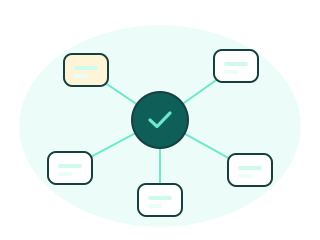
The Control Tower is for the other case — where you are the accountable individual for organisations that may be completely unrelated. Different owners, different registrations, different subscriptions. You might be the named NI or RI for two or three separate providers, or a consultant engaged by several small homes that want the accountability without hiring in-house.

How an engagement works
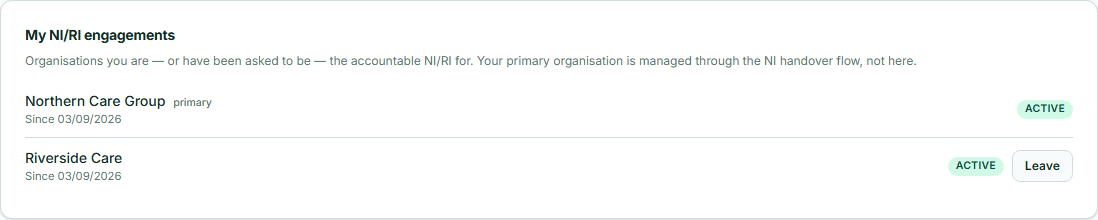
The organisation goes to Organisation → NI/RI Engagements and enters your email. If you already have an AssuraFlow account it becomes a pending engagement; if not, you receive an invitation to create one. You accept from your own account, under Account → Engagements.
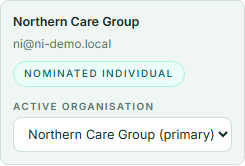
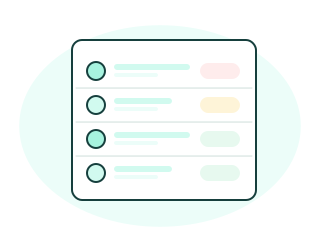
That organisation then appears in your Control Tower — a live per-organisation roll-up of open issues by severity, overdue remediation actions, audits in progress, Reg 44/45 visits due, and training currency — alongside every other organisation you're accountable for. One click switches your whole session into an organisation so you can work directly on its records, then switch back or move to the next.
Who pays, and who owns the data
The subscription is always the organisation's, never yours. An NI or RI engaged by five organisations pays nothing for the Control Tower — no seat fee, no add-on, no usage charge. Each organisation simply pays for its own plan, and the Control Tower works whichever plan that is.
Data ownership doesn't move either. Each organisation owns its own governance records, exactly as it would with an in-house NI. The Control Tower is computed live every time you open it and is never copied into a personal store, so when an organisation ends the engagement its data disappears from your view immediately. Only the record that the engagement started and ended is kept, in the audit trail.
Keeping the classic model, and the same view under every regulator
Some organisations will prefer their NI or RI to be tied to them alone. Organisation → Settings has a switch that turns the portable model off for that organisation entirely.
Whether your registration says Nominated Individual under CQC or Responsible Individual under Ofsted, CIW or RQIA, or you lead governance for a provider registered with the Care Inspectorate, the Control Tower behaves identically. Each organisation's workspace uses the right terminology for its regulator; the cross-organisation view doesn't care which.